
DRONE FORECAST / Get started
Drone weather app: getting started
Learn to use Drone Forecast: select a location, set your drone profile and units, compare hourly weather, and explore Premium wind forecasts and map layers.
Set your location
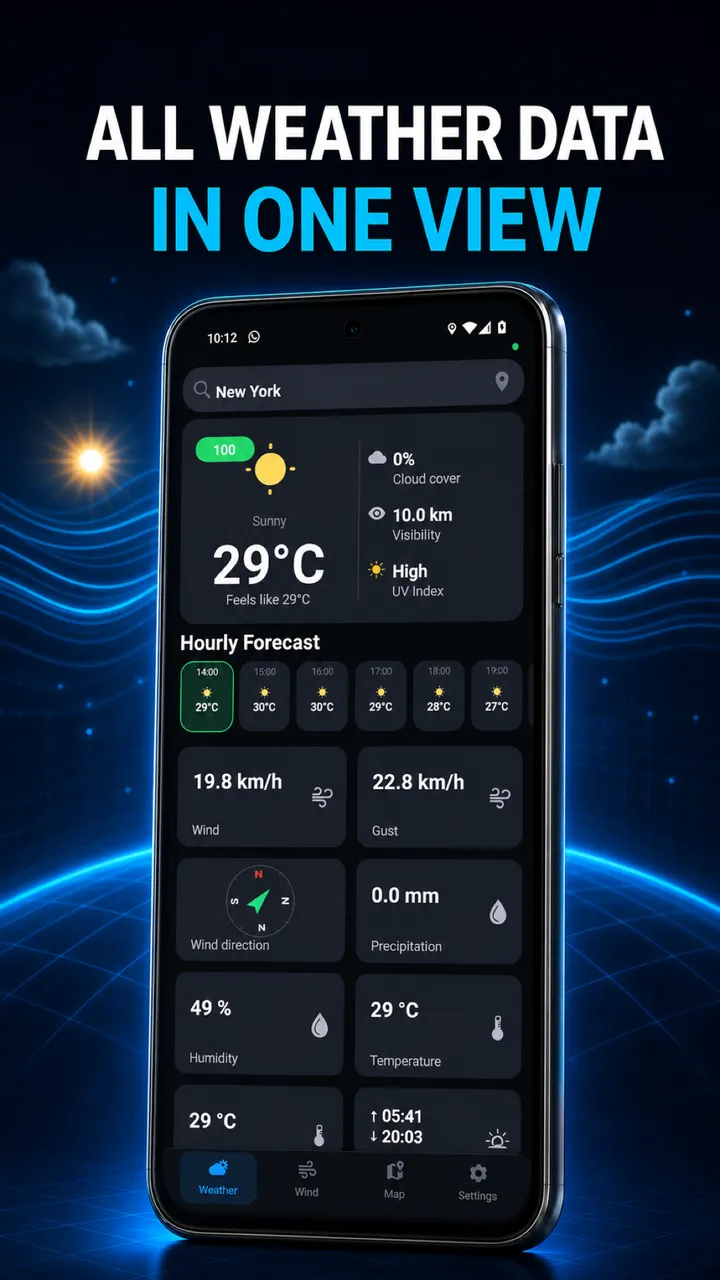
Open Weather and use the location button. Allow location access for GPS and check the selected place. Manual location search is a Premium feature. Choose your destination there when available.
Make the forecast yours
In Settings, select your drone profile and preferred units. Return to Weather and compare hourly conditions, precipitation and visibility for the period you have in mind.
Check the wind and the map
Open Wind and compare the displayed heights, direction and gusts. Then open Map to inspect the area and available layers. Review official restrictions and your checklist before departure. The Wind screen requires Premium.
Make the forecast part of your flight.
Take the weather, wind and your preparation with you.